
5 Axis Slicer
iPad app for a five-axis 3D printer
During my design internship at aroma:id, I designed the interface of a slicer built from scratch for the iPad and made specifically for a five-axis 3D printer. The challenge was to turn software that is usually complex and tied to the desktop into a touch workflow without making it any less capable. I started by analyzing existing slicers in detail to see where their complexity actually comes from, and then rearranged their functions so every step feels more direct, without cutting any of them.
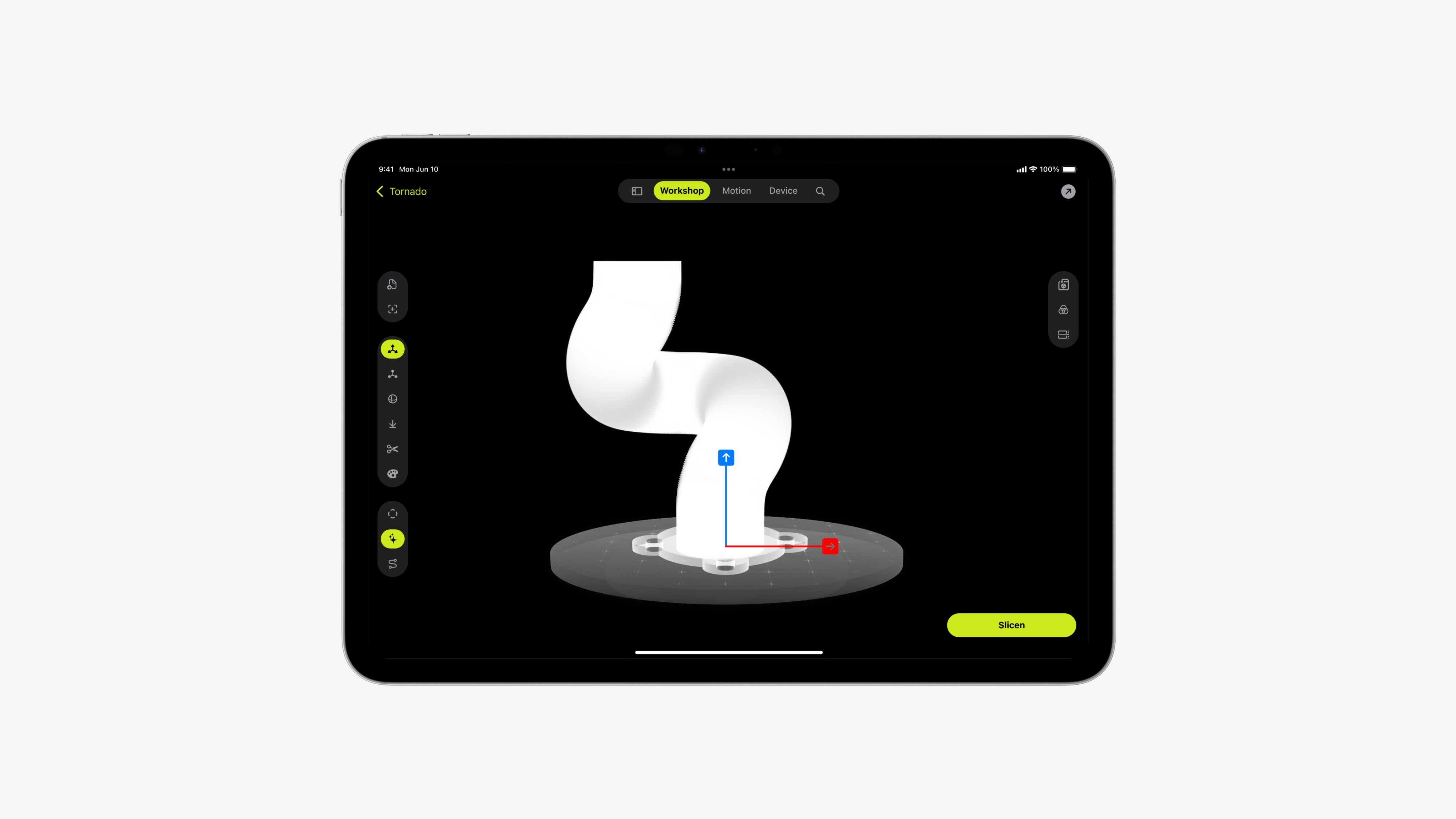
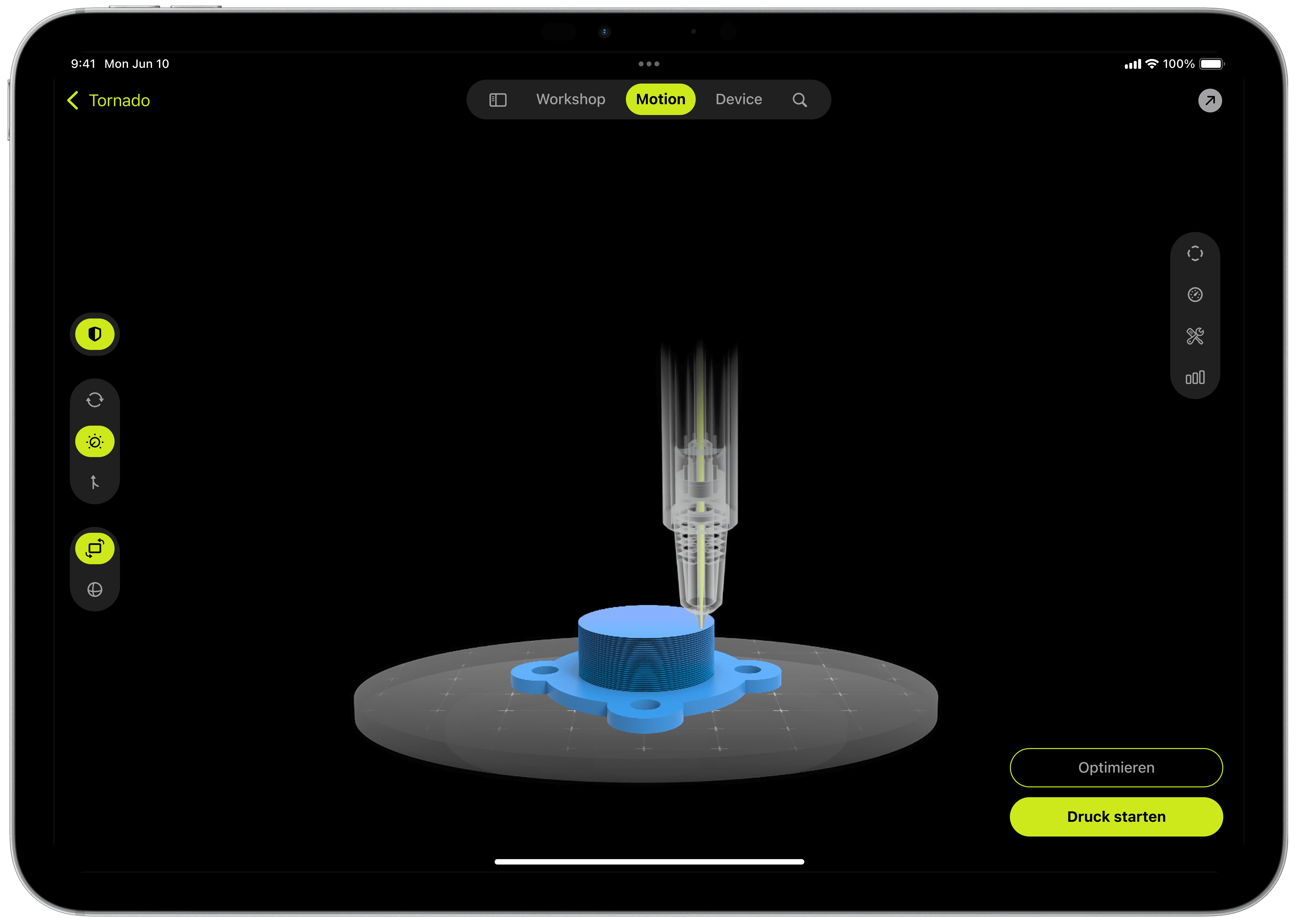
The print bed and the model get most of the space on screen, and the tools sit in vertical and horizontal bars that change depending on which preparation step you’re in. Motion planning and slicing appear as two separate but connected stages, with color accents guiding you through them, so even complex geometry and five-axis toolpaths can be set up without the interface getting in the way of the object.
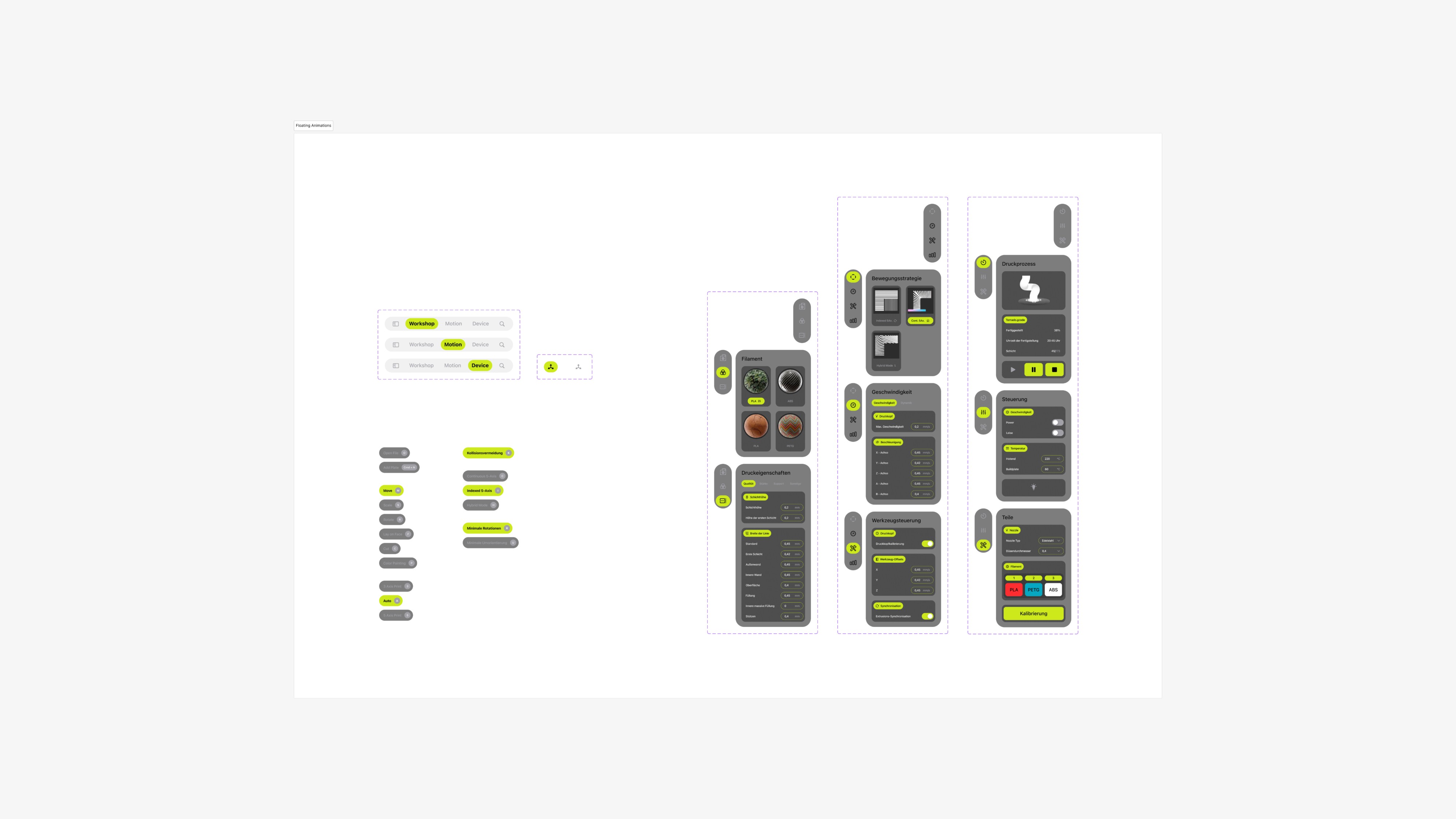
All the functions of a desktop slicer are still there, grouped into modular panels made for touch. The visual design stays neutral with a few targeted highlights, which makes the software approachable for people without a deep technical background while still giving experienced users full control.
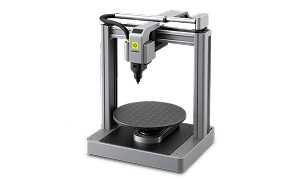
The project is connected to a research initiative supported by the German Federal Ministry for Economic Affairs and Energy within the ZIM program. Its goal is a five-axis FDM printing process that needs no support structures and therefore uses less material, and the interface is meant to make this technology usable for people who aren’t experts in it.